smart home
Your Electric Bill Is a Mystery — This Plug Shows Which Appliance Did It
Home Insight Hub is an Amazon Associate and earns from qualifying purchases. Read the full disclosure.
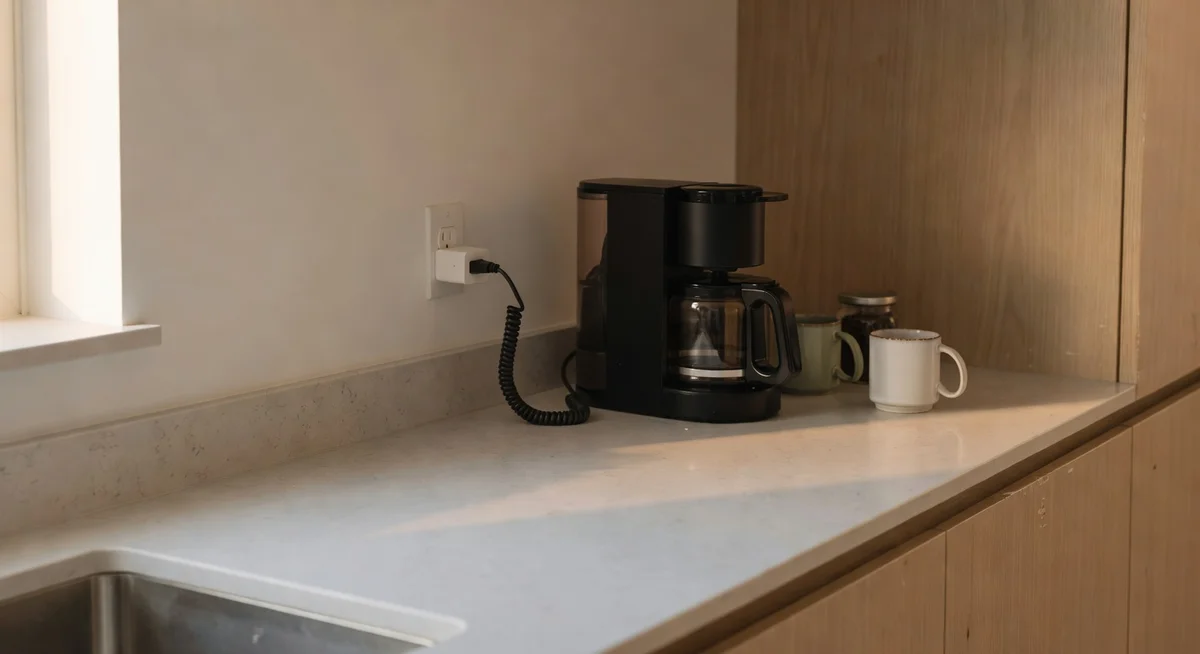
TP-Link Tapo P115 Smart Plug — tracks real-time wattage and monthly cost per appliance so you can finally figure out what's quietly draining your electric bill; Matter compatible and compact enough to leave the second outlet free. Fair warning: the app buries the energy data behind device controls first, so comparing multiple appliances side-by-side takes more taps than it should. But for the price, nothing else comes close.
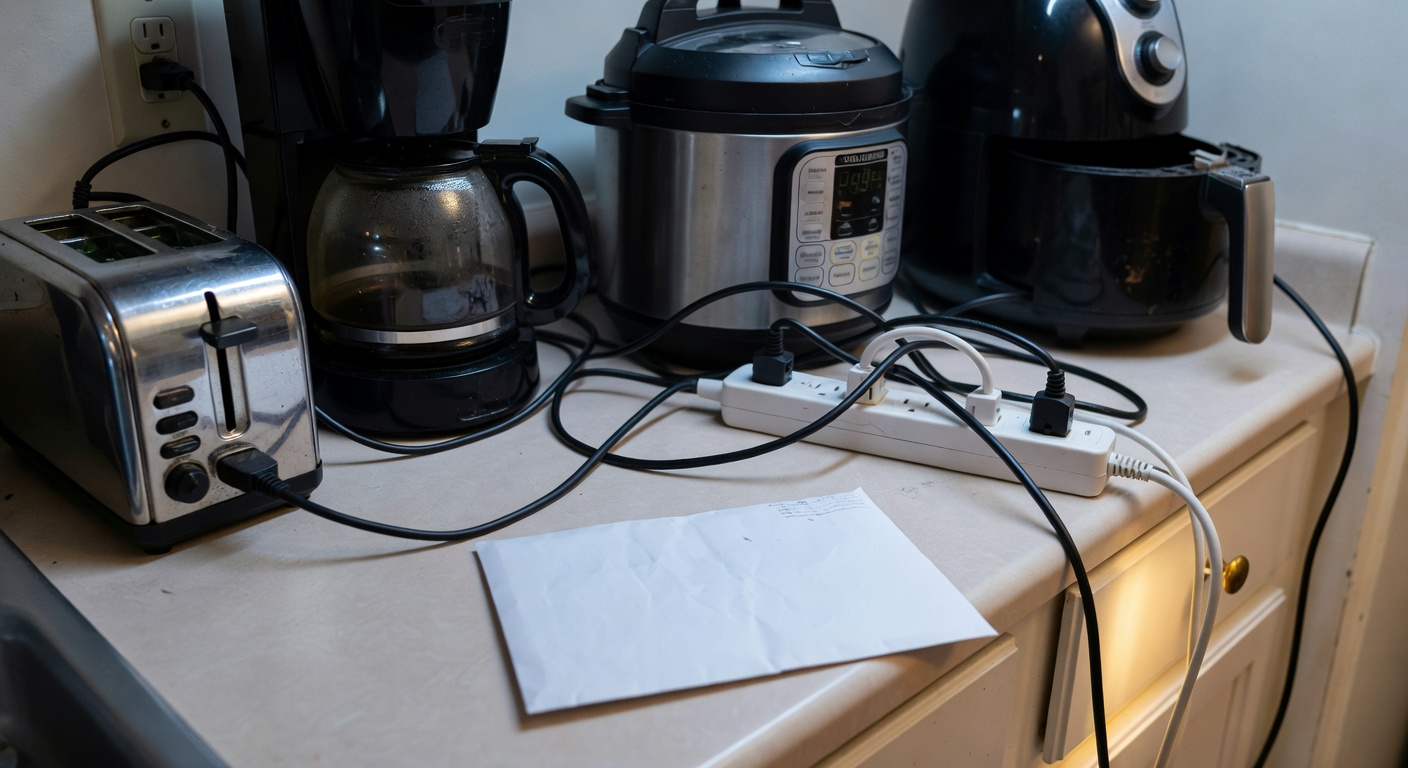
Your electric bill arrives and you do that thing — you squint at the total, feel a low-grade panic, and then vaguely blame the dryer. Or the fridge. Or maybe the space heater you left running in the guest room for a week because you forgot it existed. You don’t actually know which appliance is the culprit. You just have a suspicion and a surprisingly high bill.
That’s the real problem. Not that electricity is expensive (though it is), but that your home is running a dozen appliances 24/7 and you have zero visibility into which ones are quietly burning cash. The fridge cycles on and off. The TV stays on standby. The router never sleeps. And somewhere in there, something is costing you more than it should.
A smart plug with energy monitoring gives you the receipt. You plug it in between the outlet and the appliance, and it logs exactly how many watts that thing draws, how many kilowatt-hours it burns per month, and what that translates to in actual dollars. Not a rough estimate — actual numbers, per device.
The TP-Link Tapo P115: Energy Monitoring Without the Premium Price
The Tapo P115 is a compact Wi-Fi smart plug with built-in energy monitoring and Matter compatibility. After analyzing over 3,100 reviews, the consistent story is the same: people plug it in, check the app, and immediately find one appliance that was costing them way more than expected. The old gaming console in standby mode. The second fridge in the garage nobody uses in winter. The aquarium heater running flat-out.
It works with Alexa, Google Home, and SmartThings out of the box, and the Matter support means it plays nicely with a growing list of smart home platforms without you needing to think about it. No hub required — just your 2.4GHz Wi-Fi.
- Protocol: Wi-Fi 2.4GHz + Matter/Thread ready
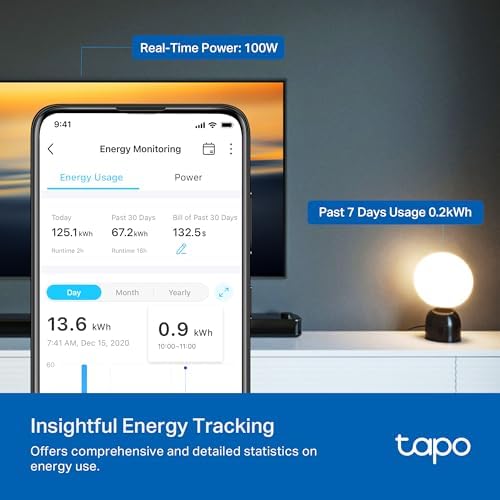
- Energy monitoring: Real-time wattage + historical kWh tracking
- Max load: 15A / 1800W
- Works with: Alexa, Google Home, SmartThings, Apple Home (via Matter)
- Form factor: Compact — doesn't block the second outlet
- ASIN: B0D7FQ93QN
The flaw: The Tapo app is functional but not pretty. The energy data is in there — real-time watts, daily/weekly/monthly kWh, estimated cost — but you’ll navigate at least two menus to find it. The dashboard isn’t designed around the thing most people actually want (the cost breakdown); it’s designed around device control first, data second. Reviewers with multiple Tapo plugs across their home consistently note that comparing appliances side-by-side requires switching between device screens rather than seeing a clean summary. It works. It’s just not as satisfying as it could be with better UI design. If you want the most polished energy monitoring experience money can buy, the Sense home energy monitor is in a different league — but it’s also in a different price bracket.
Also worth noting: if you’re comparing this to the Kasa smart plug that quietly saves standby power without you lifting a finger, the Tapo P115 gives you more monitoring data but a similar app ecosystem (both are TP-Link brands, actually). The Kasa is marginally more polished. The P115 gives you the energy tracking the Kasa skips.
Who This Works For
You’re a good fit for the Tapo P115 if you want to audit specific appliances without paying for a premium whole-home energy monitor. Renters love this because you can take it when you move. People with older appliances — window AC units, space heaters, older refrigerators — often find these pay for themselves in a single month by identifying phantom loads.
If you’re building a more complete smart home and want automations beyond on/off scheduling, pair this with a presence sensor that turns appliances off automatically when nobody’s in the room. That combination — energy visibility plus smart automation — is genuinely useful.
Who Should Skip It
If you just want a smart plug for scheduling and don’t care about energy data, cheaper options exist. If you want a polished app experience with charts that make sense at a glance, the UI might frustrate you. And if you’re on a 5GHz-only mesh network without a 2.4GHz band, this won’t work.
Our Pick: TP-Link Tapo P115 Smart Plug
The most affordable way to finally know which appliance is eating your electric bill — Matter compatible and compact enough to not block the other outlet.
Check Current Price on Amazon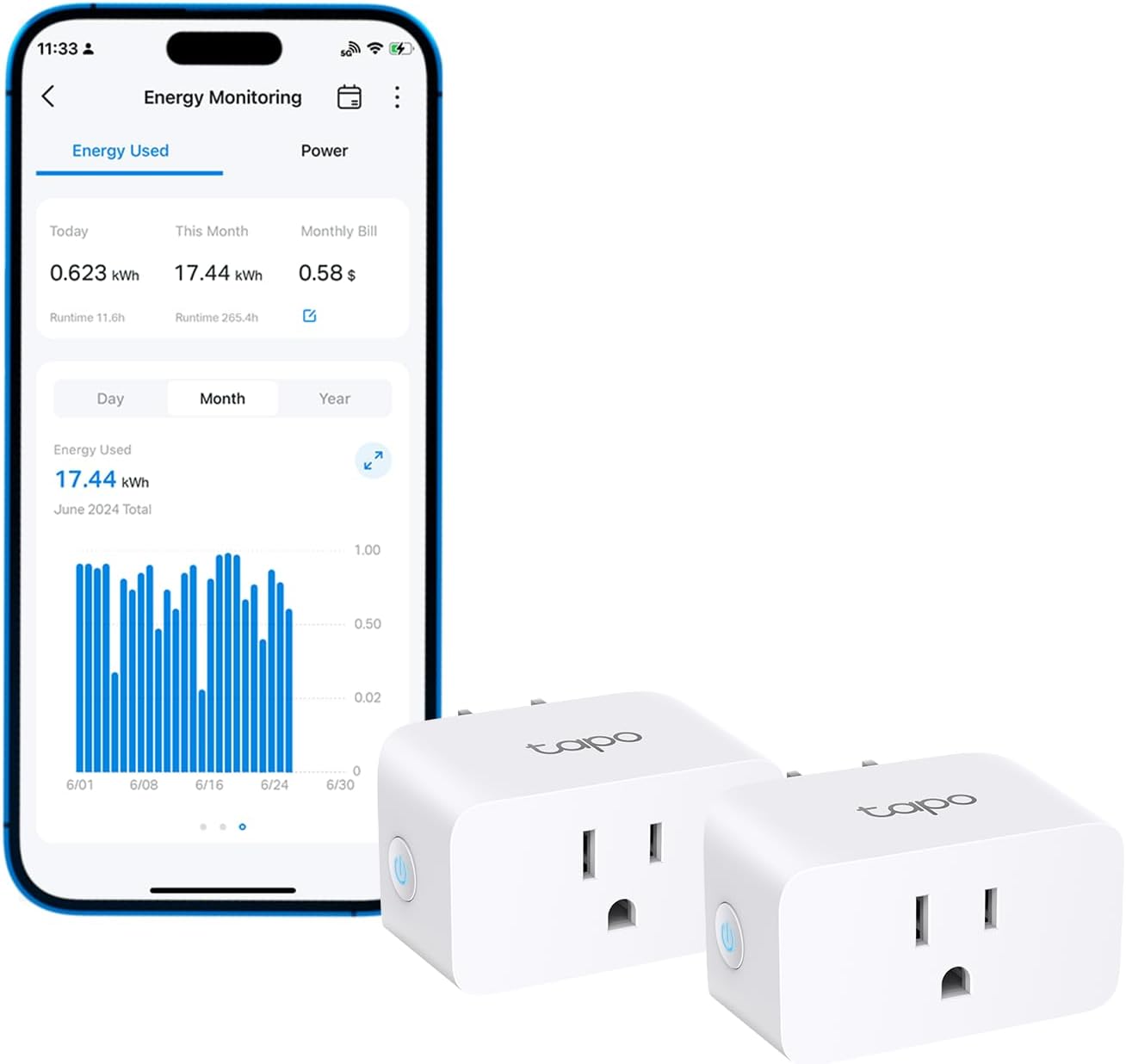
💡 Pro tip: Start your energy audit with the appliances you leave in standby — TVs, game consoles, and older desktop computers. Plug each one into the P115 for 24 hours and check the kWh reading. Most people are surprised to find their gaming console in "rest mode" drawing 70–100W consistently. That's roughly $8–12/month, just for a box doing nothing useful.
Your Weekend Energy Audit Project
Pick five appliances you’re suspicious about. One at a time, plug each into the P115, leave it for 24 hours, and write down the daily kWh. The Tapo app will show you real-time wattage, so you can also just plug it in and watch the number when the appliance kicks on.
After a week, you’ll have actual data instead of guesswork. Multiply daily kWh by your local electricity rate (check your bill — it’s usually around $0.10–0.20/kWh) and you’ll know your actual monthly cost per device. Most people find at least one appliance they didn’t realize was pulling significant power. Unplug it or put it on a schedule, and the P115 pays for itself inside a month.
Better If / Skip This If
- Better if: you want to catch the appliance that is quietly running up the bill, not just automate a lamp. This is the most audit-minded smart plug in the cluster.
- Skip this if: your main win would simply be turning lights or a fan on and off with less friction. The Amazon Smart Plug is cleaner for that.
- Go with the middle ground if: you want a more polished app and broader ecosystem flexibility than Amazon offers, but you do not need this much energy-detailing. The Kasa smart plug is the better balance.
Ready to fix this?
The TP-Link Tapo P115 Smart Plug is the pick. One purchase, problem solved.
Check availability on Amazon →Frequently Asked Questions
Does the Tapo P115 require a hub? No hub required. It connects directly to your 2.4GHz Wi-Fi network. Matter support means it can also work with Thread border routers if you’re using that ecosystem.
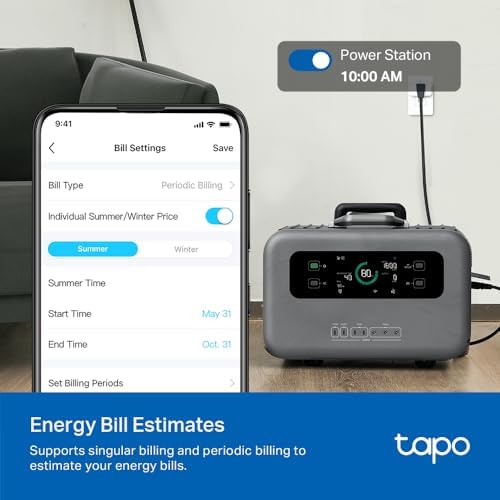
Can I see energy history over time? Yes — the app tracks real-time wattage, daily, weekly, and monthly kWh, and lets you set a cost-per-kWh rate so it shows estimated dollar amounts. The data is stored in the app, not just on-device.
Does it work with Apple Home? Via Matter, yes. Matter support is included, and Apple Home supports Matter devices. Setup through the Home app is possible once you’ve provisioned it through the Tapo app first.
What’s the maximum load? 15 amps, 1800 watts. That covers most appliances except central AC, electric dryers, and high-draw EV chargers. For a space heater (typically 1500W), you’re right at the comfortable limit.
Will it work with my 5GHz-only router? No — the P115 requires 2.4GHz Wi-Fi. Most modern routers broadcast both bands, so this usually isn’t an issue, but check your router settings if you’re unsure.
Full disclosure: As an Amazon Associate, we earn from qualifying purchases. Our recommendations are based on research, review analysis, and real household use only where explicitly noted. Commission rates play no role in what gets recommended — if a simple hardware-store fix beats a branded option, we'll say so.