smart home
Still Walking Across the Room to Turn Off That Lamp? (The Smart Plug Fix)
Home Insight Hub is an Amazon Associate and earns from qualifying purchases. Read the full disclosure.
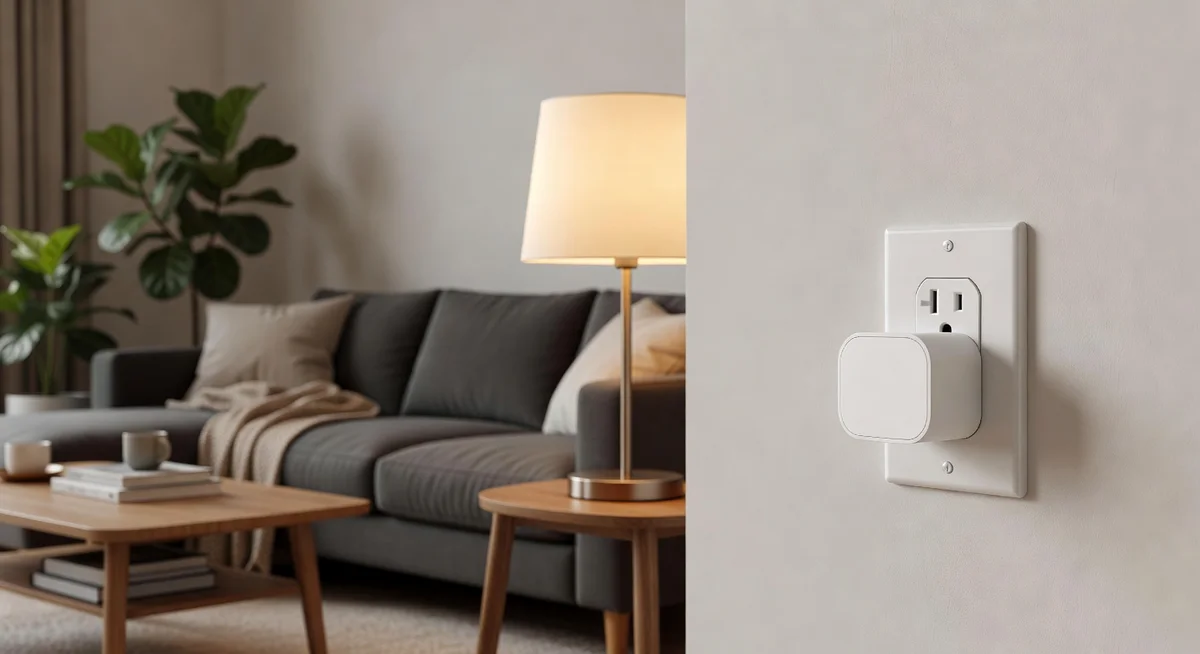
Kasa Smart Plug Mini (Matter, 2-Pack) — works with Alexa, Apple Home, Google Home, and SmartThings without buying a hub, and the compact design leaves the second outlet free. Fair warning: setup requires 2.4GHz Wi-Fi and can be finicky on the first pairing attempt. But for the price, nothing else comes close.
| Buy It For Life | Renter-Friendly | Hyper-Specific Fix | |
|---|---|---|---|
| Product | Lutron Caseta Smart Dimmer | Switchbot Bot | Philips Wiz Smart Bulb |
| Best for | Permanent smart switch, homeowners | Physical switch automation, no wiring | Lamps with inaccessible switches |
| Watch out | Requires basic wiring, higher cost | Quirky, needs Switchbot Hub | Only controls one bulb per socket |
| Price range | Under $60 | Under $30 | Under $15 |
It’s 11:14 PM. You’re already under the covers, phone charging, pillow adjusted just right — and the living room lamp is still on. You can see the glow leaking under the bedroom door. Now you’re doing the mental math: get up, walk across cold floors, turn it off, walk back, resettle. Or just leave it on and feel vaguely guilty about the electric bill. This tiny annoyance happens every single night, and it’s absurdly easy to fix.

Why You’re Still Getting Up to Flip Switches in 2026
Most people assume smart home gear requires a hub, an engineering degree, or a complete ecosystem overhaul. That used to be partially true — early smart plugs locked you into one app, dropped offline randomly, and couldn’t talk to devices from other brands. If you bought a Zigbee plug, you needed a Zigbee hub. If you went Wi-Fi, you were stuck with one manufacturer’s app.
The bigger barrier is simpler than that: people don’t realize how cheap and easy the entry point has become. A two-pack of smart plugs does more for your daily quality of life than most gadgets ten times the price. If you’ve already experimented with an Amazon Smart Plug, you know the convenience — but the Kasa Matter-compatible version adds cross-platform flexibility and energy monitoring that the basic models skip.
The real shift is Matter — an industry-wide protocol that lets smart devices work across Apple Home, Google Home, Alexa, and SmartThings without brand lock-in. Buy once, switch ecosystems whenever you want.
What Actually Works — Kasa Smart Plug Mini (Matter, 2-Pack)
The flaw: These plugs only connect via 2.4GHz Wi-Fi — and many modern routers default to 5GHz or use a combined band that can cause connection hiccups during setup. You may need to temporarily split your Wi-Fi bands or check router settings before pairing. The Matter setup process itself can be finicky on the first attempt (a second try usually works cleanly), and the energy monitoring feature is functional but basic — it shows consumption data without detailed historical graphs.
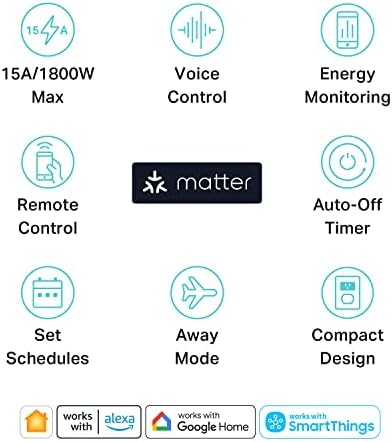
- Matter compatible — works with Apple Home, Alexa, Google Home, SmartThings
- Built-in energy monitoring
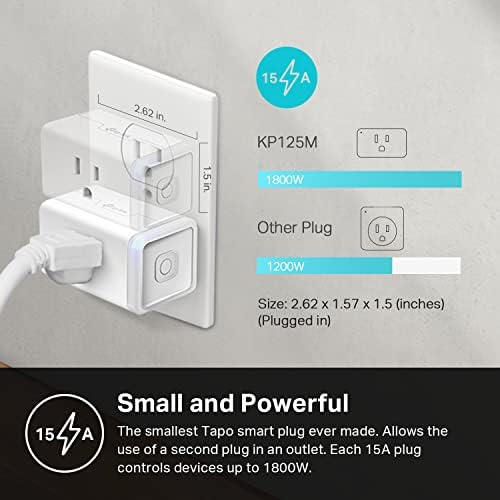
- 15A / 1800W maximum load
- Compact design — doesn't block the second outlet; 2.4GHz Wi-Fi required
Kasa Smart Plug Mini — Matter Compatible, 2-Pack
Voice-controlled smart plug with energy monitoring and universal smart home platform support
Check current price on Amazon →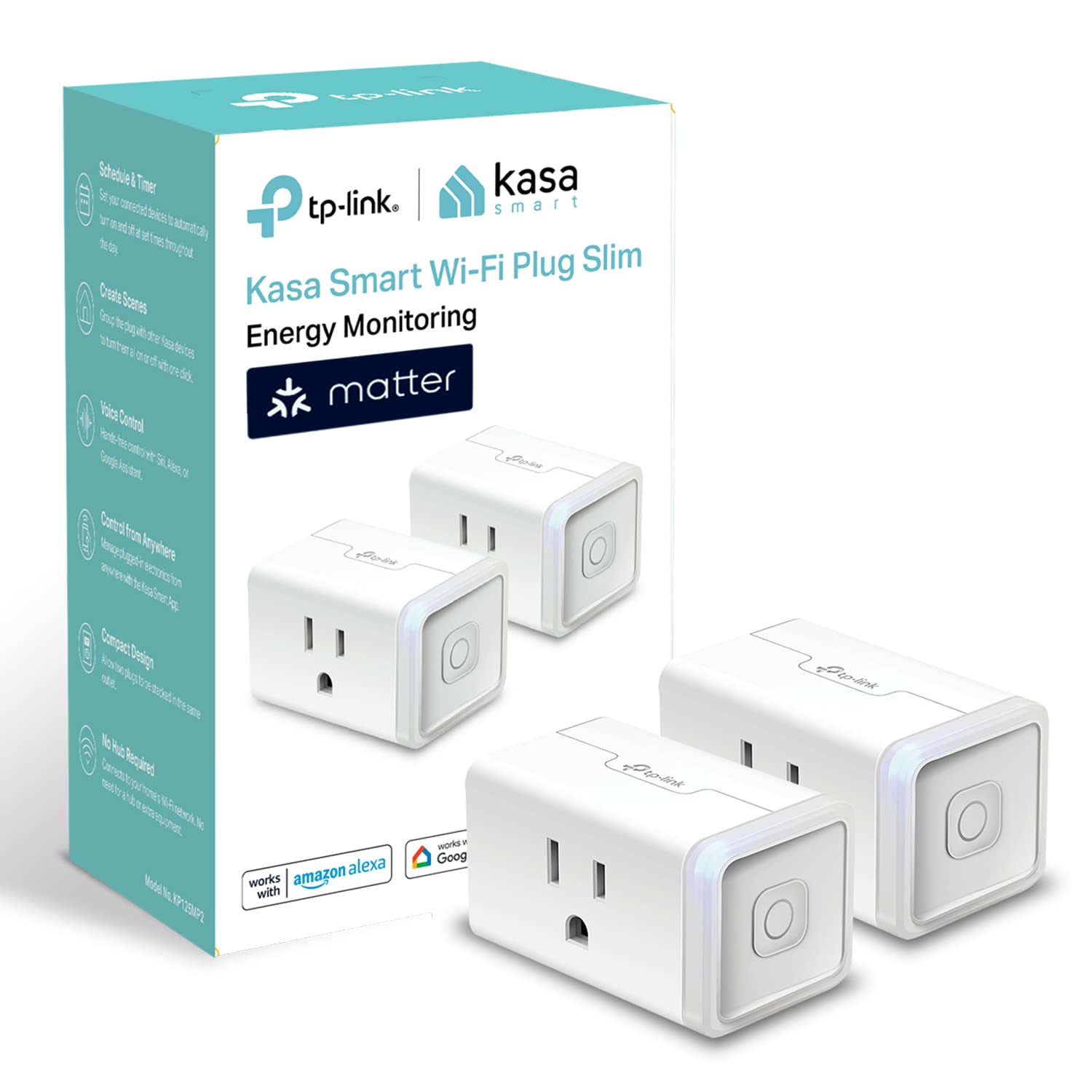
With over 77,000 reviews and a 4.5-star average, the consensus among reviewers is clear: these just work. The most common praise is the compact size — they don’t hog the second outlet slot, which has been a chronic problem with bulkier smart plugs. People also consistently highlight how quick the Kasa app setup is once you get past the initial Wi-Fi pairing.
The energy monitoring feature, while basic, is something reviewers appreciate for catching “vampire” devices — things that draw power even when off. Several reviewers report discovering that their TV setup or old space heater was costing them real money on standby. It’s not a detailed energy audit, but it’s enough to make smarter choices about what stays plugged in.
The Matter compatibility is what makes this a genuinely future-proof pick. If you switch from Alexa to Apple Home next year, these plugs come along without replacement. Pair them with small automations — like scheduling your coffee maker or setting lamps to turn off at midnight — and you start building a home that quietly works for you. And if you’re already making eco-conscious swaps around the house, like switching to plastic-free dishwasher tablets, smart plugs are the energy-side equivalent: a small change with compounding returns.
Better If / Skip This If
- Better if: you want one plug that can survive an ecosystem change without becoming e-waste. Matter support is the whole point here.
- Skip this if: your home is already Alexa-only and you just want the fastest possible setup for one lamp or fan. In that case, the Amazon Smart Plug is simpler.
- Choose something else if: the real question is “which appliance is costing me money?” The Tapo P115 smart plug goes deeper on energy tracking and makes more sense for an audit mindset.
The Alternatives
The “Buy It For Life” Pick
The Lutron Caseta smart dimmer switch replaces your wall switch entirely, works with a dedicated hub (rock-solid reliability), and adds dimming. It’s a bigger investment and requires basic wiring, but it’s the gold standard for permanent smart lighting control. Best for homeowners who want switches that feel premium and never drop offline.
The Renter-Friendly Pick
The Switchbot Bot — a tiny robotic finger that physically presses existing switches. No wiring, no electrical work, sticks on with adhesive. It’s quirky, but perfect if you can’t swap outlets or have a switch in an awkward location. Works with Alexa and Google Home via the Switchbot Hub Mini.
The Hyper-Specific Fix
If your specific issue is a lamp with no accessible on/off switch (like a floor lamp buried behind furniture), a smart bulb like the Philips Wiz makes more sense than a smart plug. You control the bulb directly, get dimming and color temperature options, and never touch the lamp’s switch again.
Open your router's admin page (usually 192.168.1.1) and make sure you have a dedicated 2.4GHz network visible — or temporarily disable band steering. Most failed Kasa setups are just a 5GHz connection issue. Once paired, the plugs stay connected reliably even with band steering re-enabled.
Your Next Step This Weekend
Pick your most annoying “walk across the room” light or device. Plug in one Kasa Mini, connect it to whichever voice assistant you already use, and set a single automation — like “turn off at midnight” or “turn on at sunset.” That’s it. You’ll save yourself one small frustration per day, and within a week you’ll be eyeing the second plug in the pack wondering what else you can automate. Start with one. The rest follows naturally.
Frequently Asked Questions
Do Kasa Smart Plugs work without Wi-Fi?
No — they require a 2.4GHz Wi-Fi connection to function. Without Wi-Fi, the plugs still pass power through (devices stay on), but you lose app control, voice control, and scheduling. They do not have Bluetooth or offline modes.
What is Matter and why does it matter for smart plugs?
Matter is a universal smart home protocol supported by Apple, Google, Amazon, and Samsung. A Matter-compatible plug works across all these ecosystems without being locked into one app or voice assistant. If you switch platforms later, your plugs still work.
Can Kasa Smart Plugs handle space heaters or air conditioners?
The plugs are rated for 15A / 1800W, which covers most space heaters under 1500W. However, many smart plug manufacturers — including Kasa — advise against using them with high-draw heating appliances due to safety concerns. Check your device’s wattage and consult the manual before connecting heat-producing appliances.
Full disclosure: As an Amazon Associate, we earn from qualifying purchases. Our recommendations are based on research, review analysis, and real household use only where explicitly noted. Commission rates play no role in what gets recommended — if a simple hardware-store fix beats a branded option, we'll say so.