smart home
Your Smart Home Is Too Smart for Everyone Except You — Flic Buttons Fix That
Home Insight Hub is an Amazon Associate and earns from qualifying purchases. Read the full disclosure.
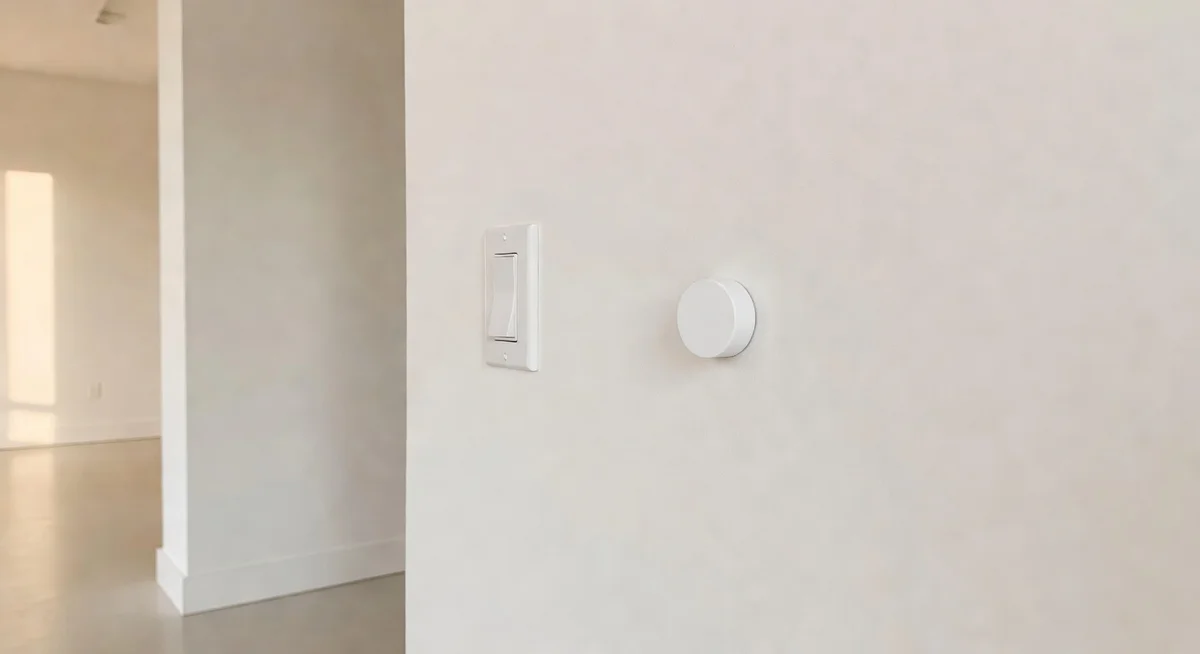
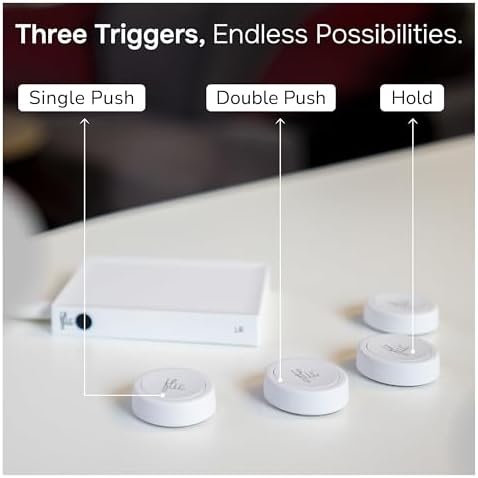
Flic Smart Buttons 3-Pack — adhesive Bluetooth buttons with three programmable actions each (single press, double press, hold), so anyone in your house can control smart devices without fumbling with voice commands or apps. Fair warning: Bluetooth range is limited to about 30 feet, and you'll likely need to buy the Flic Hub separately (not cheap) for full functionality across thick walls or when your phone isn't home. But for the price, nothing else comes close.
Your smart home works perfectly for you. The lights respond to your voice. The scenes trigger on schedule. You know the routines, the app, the names you gave every device. It’s a tidy little system.
Then your mother-in-law visits and asks how to turn off the living room lights before bed. You say “just say hey Google, turn off the living room.” She says it three times. The TV turns on. She gives up and leaves the lights on. You wake up at midnight to a fully lit house.
This scenario plays out constantly in smart homes everywhere. Voice control is a learned skill. Apps are for people who set the system up. Kids under 10 and adults over 70 — and honestly most guests, full stop — are going to walk to the wall, find no switch, and either give up or start yanking smart plugs out of outlets. The physical interface isn’t a backward step. It’s a usability requirement.
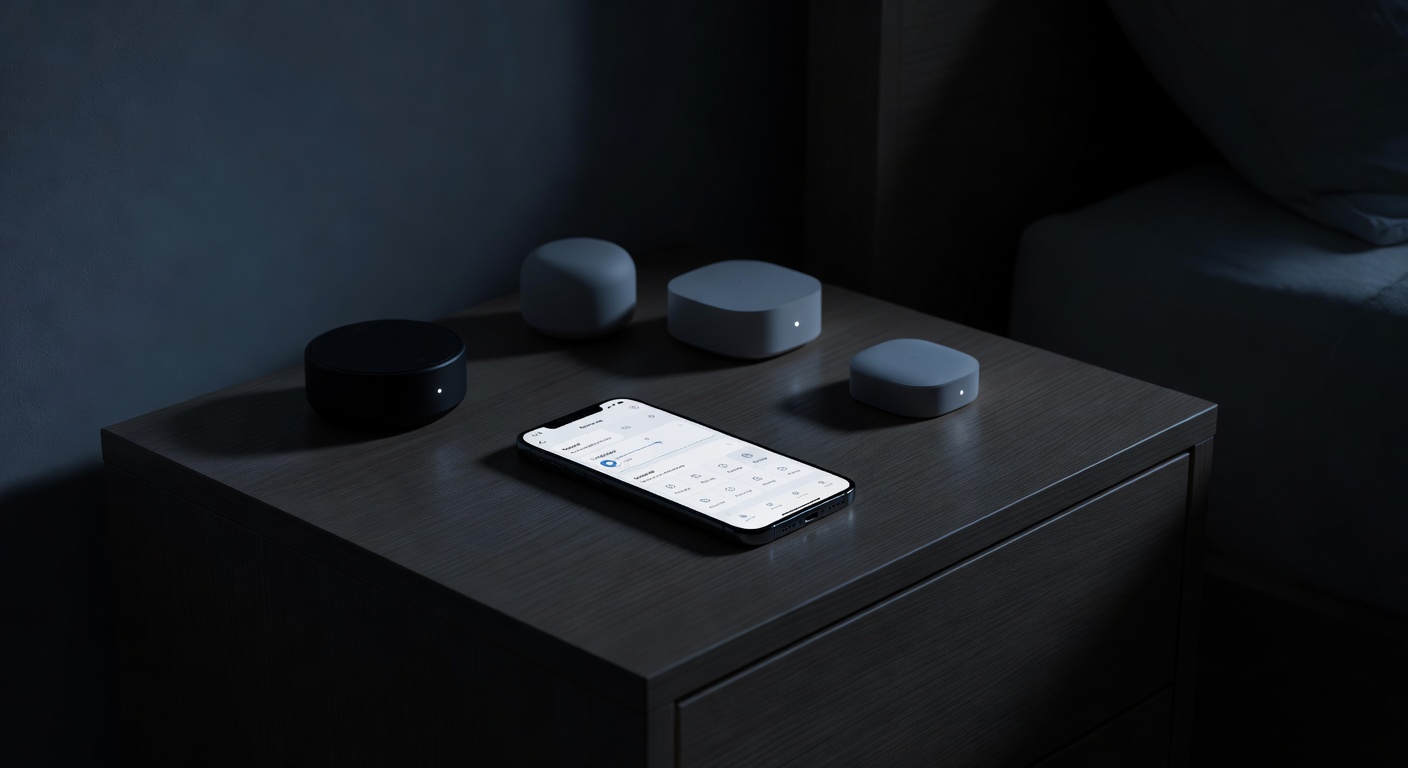
Flic Smart Buttons: A Physical Button That Runs Smart Home Automations
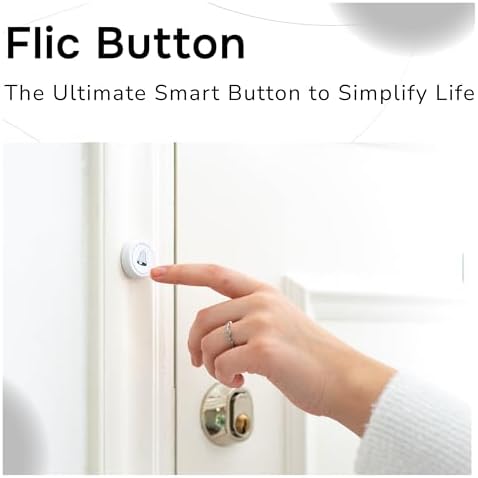
The Flic button is a small, round, adhesive-backed Bluetooth button that you can program to do almost anything in your smart home. Single press, double press, or hold — three separate actions per button. Stick one next to the bedroom door and single press turns off all the lights, double press starts your “good morning” routine, hold dims everything to 10% for movie mode.
After analyzing 224 reviews, the consistent praise is around setup flexibility and the “it just works” factor once configured. People put these in guest bedrooms, hand one to a partner who refuses to use voice commands, stick one on the nightstand for middle-of-the-night light control without phone-fumbling.
- 3 buttons per pack (each independently programmable)
- Actions: Single press, double press, hold (3 actions per button)
- Protocol: Bluetooth Low Energy
- Range: ~30 feet (line of sight; through walls reduces this significantly)
- Battery: CR2032, rated 2+ years
- Mounting: Adhesive backing — no drilling required
- Works with: HomeKit, IFTTT, Philips Hue, Spotify, and more
- Note: Flic Hub required for full cloud features and remote access (sold separately)
- ASIN: B084H3NNZ9
The flaw: The 3.8-star rating deserves a straight answer. There are two real issues here, and neither is minor.
First: Bluetooth range. Thirty feet sounds fine until you realize most home walls eat into that aggressively. Thick plaster, concrete, or even a couple of interior walls can reduce reliable range to 15–20 feet. If you want a button in one room controlling devices in another room, you may need a Flic Hub — a separate device sold at a steep markup that acts as a central Bluetooth receiver and Wi-Fi bridge. The buttons alone work without it, but only via Bluetooth to your phone, which must be home and nearby. That’s a significant hidden cost that the product listing doesn’t scream at you.
Second: pairing can be finicky, especially with HomeKit. Some reviewers report multiple pairing attempts, buttons that drop their configuration, or sluggish response after a firmware update. The Flic app is generally competent but occasionally temperamental. This isn’t a broken product — it’s a Bluetooth product in a category where Bluetooth can be fussy.
The price per button is also genuinely steep for a Bluetooth clicker. You’re paying for the software ecosystem, the integrations, and the build quality (they feel solid, not cheap). But you should go in clear-eyed: this is a premium price for a concept that is, at its core, a button.
Who This Works For
If your home is small enough that Bluetooth range isn’t a problem, and you want to give non-technical household members a tactile control interface, these are excellent. Caregivers setting up homes for elderly relatives have found them invaluable. Parents who want a simple “bedtime” button the kids can press are happy with them. Renters who can’t install smart switches love the adhesive mount.
Pairing a Flic button with your color smart bulbs for a one-press scene change is genuinely satisfying — one press for warm “movie night” lighting, hold for full bright. And if you’re already using smart plugs and want visibility into what your automations are doing energy-wise, the Flic integrates with platforms like energy-monitoring smart plugs that show your real electricity cost.
Who Should Skip It
Skip it if your home has thick walls and you don’t want to buy the Hub. Skip it if you need sub-second response times for lighting (Bluetooth latency is noticeable on a press-to-light test). Skip it if you’re on a tight budget and the Hub’s additional cost would genuinely bother you. Smart switches from Lutron Caseta or similar fill a similar role for more money but with much more reliable performance.
Our Pick: Flic Smart Buttons 3-Pack
The best way to give physical buttons to the people in your house who will never learn a voice command — just budget for the Hub if your walls are thick.
Check Current Price on Amazon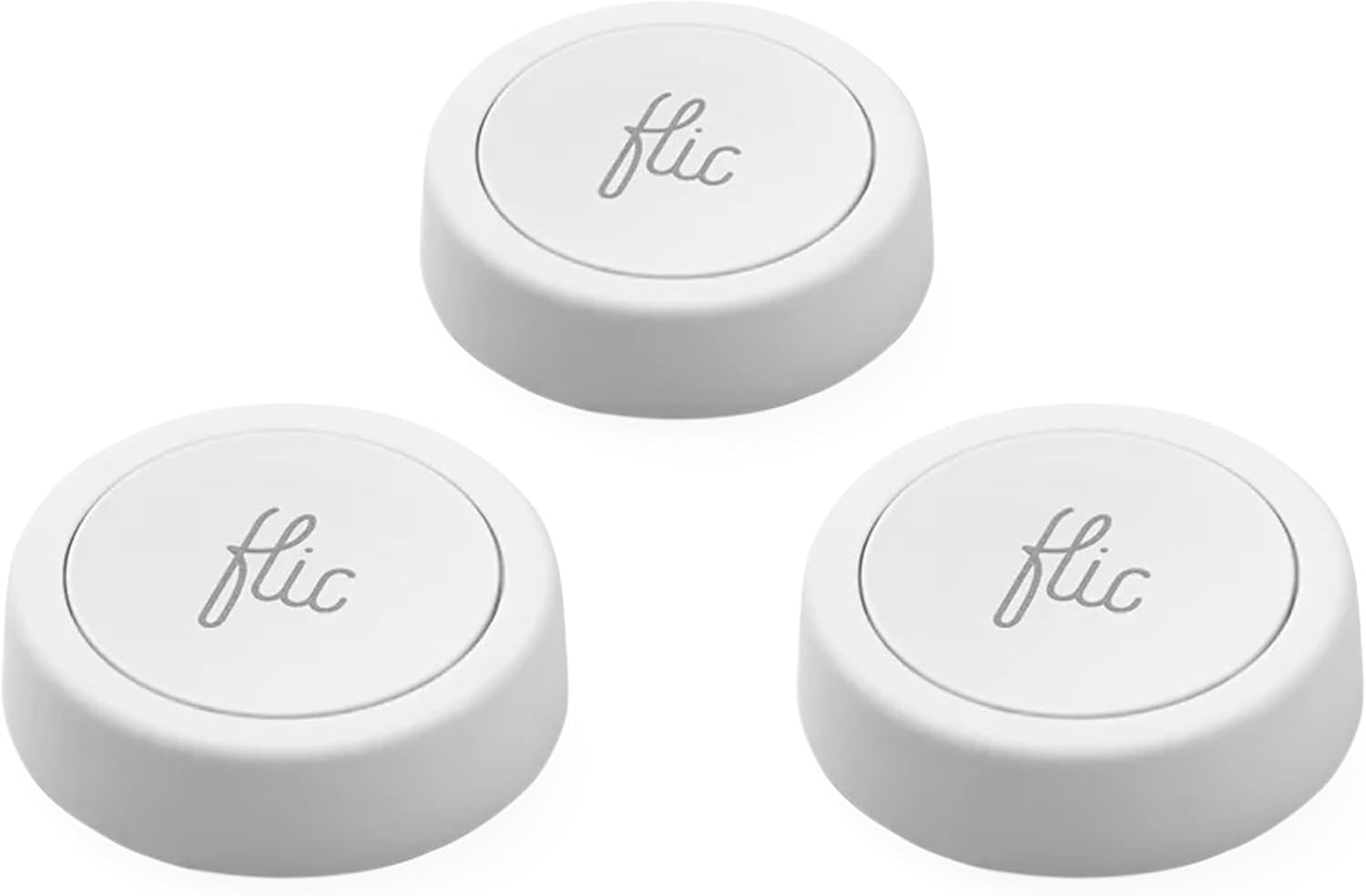
💡 Pro tip: Before buying the Flic Hub, test the button range with your phone in the intended location. Download the Flic app, pair one button, and walk to every spot where you'd mount them. If the signal is reliable throughout your home, you may not need the Hub at all — phone-based Bluetooth works fine when your phone is typically home. The Hub matters most for remote triggering (when you're away) or for homes with thick plaster walls.
Your Weekend Button Placement Project
Start with one button. Pick the most annoying friction point in your daily routine — the one where you’re always fishing for your phone or shouting at a speaker. Nightstand light control? Guest bedroom “all off”? Kid’s bedtime routine?
Program that one button with three actions. Live with it for a week. If it’s solving the problem reliably, buy more. If you’re fighting the Bluetooth range, price out the Hub and decide whether the total investment makes sense. Most buyers end up wanting more buttons once the first one is working — the satisfaction of a physical press that reliably does something smart is weirdly underrated.
Ready to fix this?
The Flic Smart Buttons 3-Pack is the pick. One purchase, problem solved.
Check availability on Amazon →Frequently Asked Questions
Do Flic buttons require the Flic Hub? For basic use — pressing a button to trigger your phone — no hub is required. But for remote access, running automations when your phone isn’t home, and for extended Bluetooth range via a centrally placed hub, the Flic Hub (check current price — sold separately) is effectively required. This is the most important thing to understand before buying.
How long does the battery last? Flic rates it at 2+ years on a CR2032 battery. This depends on usage — heavy daily use will drain it faster. The battery is user-replaceable.
Can one button do different things for different presses? Yes — each button has three configurable actions: single press, double press, and hold. Each can trigger a completely different automation.
Does it work with HomeKit without the Hub? HomeKit integration is available but requires the Flic Hub for full local processing. Without the Hub, HomeKit functionality is limited.
What happens if my phone is away from home? Without the Hub, the buttons require Bluetooth proximity to your phone. If your phone isn’t home, the buttons won’t function. The Hub solves this by acting as a local Bluetooth-to-Wi-Fi bridge.
Full disclosure: As an Amazon Associate, we earn from qualifying purchases. Our recommendations are based on research, review analysis, and real household use only where explicitly noted. Commission rates play no role in what gets recommended — if a simple hardware-store fix beats a branded option, we'll say so.