smart home
You Don't Need a Hue Starter Kit to Get Color Lighting That Works With Siri
Home Insight Hub is an Amazon Associate and earns from qualifying purchases. Read the full disclosure.
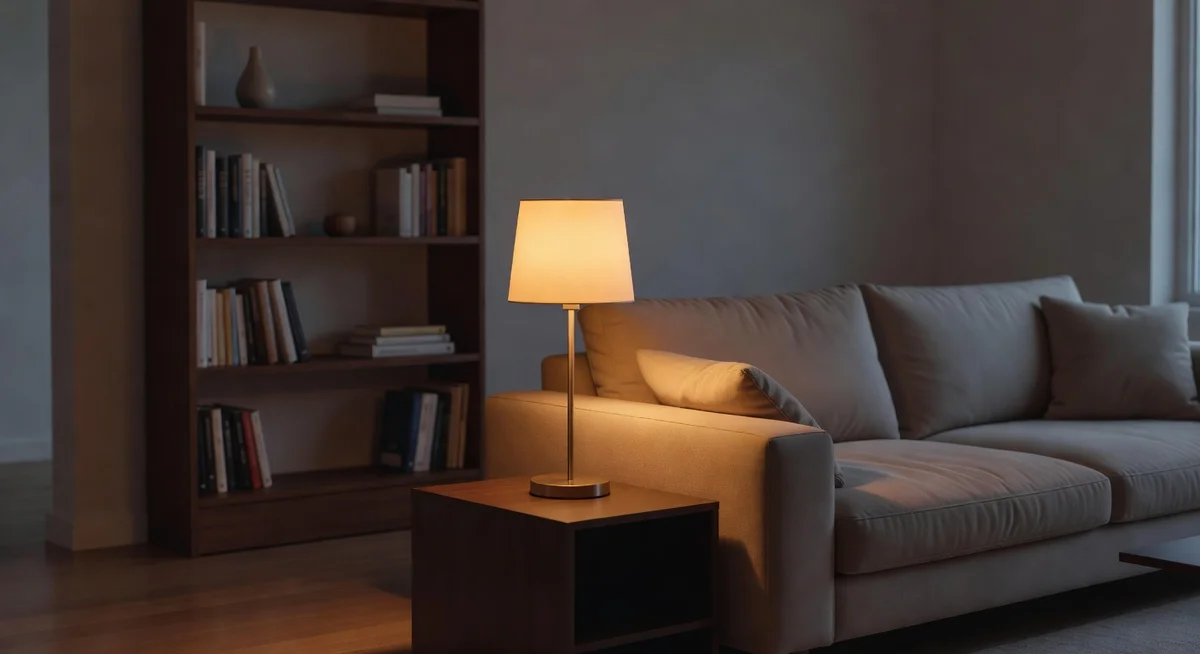
Meross Smart WiFi LED Bulb (Color) — native HomeKit pairing with no hub required, 16 million colors plus tunable whites from candlelight to daylight, at a fraction of Philips Hue prices. Fair warning: occasional HomeKit disconnects after router reboots mean you sometimes have to re-pair, and color accuracy isn't quite Hue-level. But for the price, nothing else comes close.
You’re setting up Apple Home. You want colored bulbs in the living room — something that goes warm amber for movie night and shifts to a proper white for working from home. You look up Philips Hue. You see the price. You close the tab.
It’s not that Hue isn’t good. It’s excellent. But when you do the math — starter kit with a hub, then individual bulbs priced steeply per unit — you’re looking at well over a hundred dollars just to light two lamps and a floor lamp. That’s a lot of money for light. Light that turns on and off and changes color. The feature gap between Hue and a decent alternative isn’t as wide as the price gap suggests.
The Meross smart LED bulb exists in that gap. It’s a Wi-Fi bulb with genuine HomeKit native support (not “works with Siri via some workaround” — actual HomeKit pairing), 16 million colors, and a tunable white range from 2700K candlelight to 6500K daylight. No hub. No bridge. Just screw it in, scan the HomeKit code on the box, and it shows up in your Home app.
What the Meross Color Bulb Actually Gets Right
After analyzing over 330 reviews, the core finding is consistent: the HomeKit integration works. Setup is straightforward. The bulb shows up as a proper HomeKit accessory, responds to Siri, participates in automations, and doesn’t require a separate hub eating up an outlet or an Ethernet port.
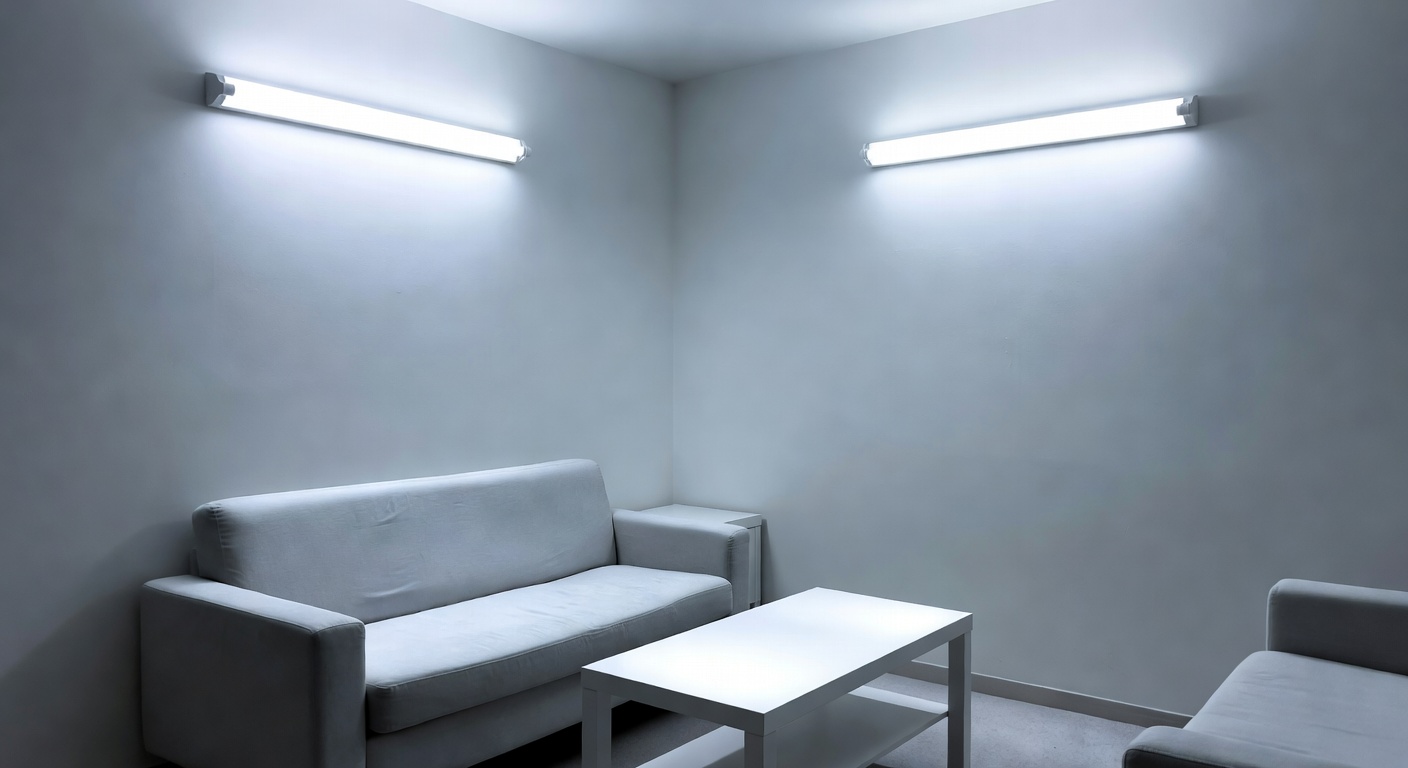
The white range is genuinely useful. 2700K is that warm, slightly yellow light that makes a bedroom feel like a bedroom instead of an operating room. 6500K is sharp daylight-spectrum, useful if you work from home and need to stay alert at 2pm. Most single-room smart home setups only need one of those extremes — having both means one bulb type covers every room.
- Color: 16 million colors (full RGB)
- White range: 2700K–6500K tunable white
- Works with: Apple HomeKit (native), Alexa, Google Home, SmartThings
- Protocol: Wi-Fi 2.4GHz — no hub required
- Base: Standard A19, E26
- Wattage: ~9W (equivalent to 60W incandescent)
- ASIN: B0BBLN2YB5
The flaw: That 4.2-star rating is telling you something. Dig into the reviews and a pattern emerges: occasional HomeKit disconnects, particularly after router reboots or network changes. The bulb doesn’t always reconnect automatically — sometimes you have to remove it from HomeKit and re-pair. For most people this happens rarely enough to be a minor annoyance. But if you’re planning to automate a critical function (the lamp that wakes you up at 6am, say), the occasional dropout is worth knowing about.
Color accuracy is also not Hue-level. The colors work. The reds are red, the blues are blue. But if you do a side-by-side with a Hue bulb at the same color setting, the Hue is just… more accurate. More saturated where it should be saturated, more precise at those tricky warm white tones. The Meross is a solid B-minus on color accuracy. Good enough for ambiance. Not quite good enough for a photographer’s studio or someone who’s going to obsess about it.
Response time is also occasionally sluggish — voice commands through Siri sometimes take 2–3 seconds instead of the sub-second response you get from a Hue.
Who This Works For
This is the right bulb if you’re deep in the Apple ecosystem, want HomeKit without paying Hue prices, and you can accept occasional reconnection hiccups. It’s excellent for bedrooms and living rooms where you want color and tunable white and don’t want to maintain a separate hub device.
Worth knowing: if you want physical buttons to control these bulbs for guests and family members who refuse to use their phone to turn off a light, physical smart buttons solve the “nobody can figure out voice commands” problem beautifully. A Flic button stuck to the wall next to the door means grandma doesn’t have to say “Hey Siri” every time she wants to leave the room.
And if budget is tight, you might also compare these against whatever smart plug setup you’re already running for Alexa — sometimes a smart plug on a dumb lamp with a nice shade is all you actually need.
Who Should Skip It
Skip it if you need rock-solid reliability for automations that must work every single time. Skip it if color accuracy genuinely matters to you (artistic work, film photography lighting, etc.). Skip it if you’re already invested in the Hue ecosystem — the switching cost and inconsistency probably isn’t worth it.
Our Pick: Meross Smart WiFi LED Bulb (Color)
Native HomeKit support, 16M colors, and no hub required — the sensible middle ground between a dumb bulb and a full Hue system.
Check Current Price on Amazon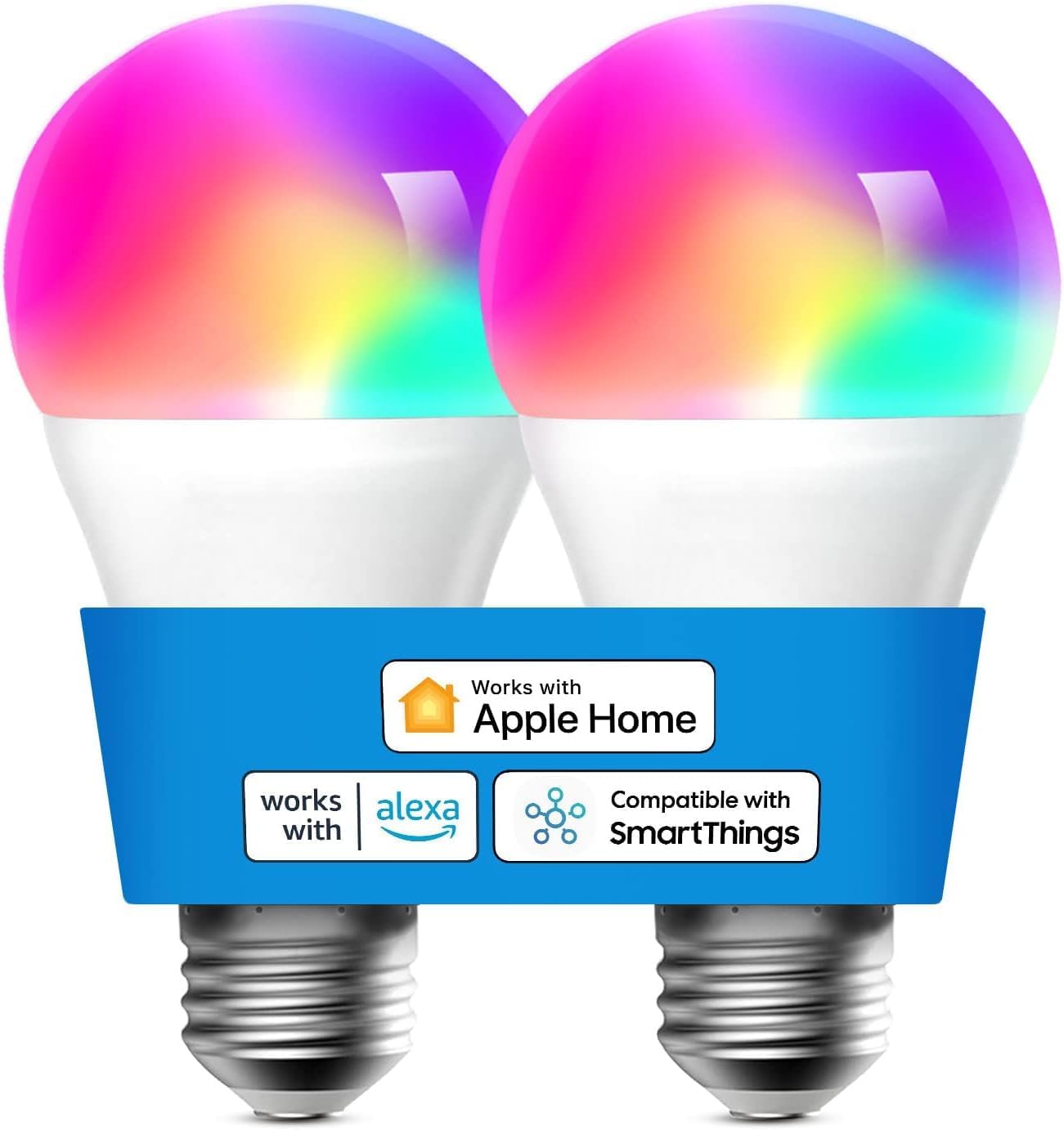
💡 Pro tip: If you experience HomeKit dropouts after a router reboot, the fix is usually to assign the bulb a static IP address in your router's DHCP settings. Wi-Fi bulbs that reconnect to a different IP than they expect sometimes fail to re-register with HomeKit properly. Takes about 5 minutes to set up and most users report it eliminates the disconnect issue entirely.
Your Weekend Lighting Upgrade Project
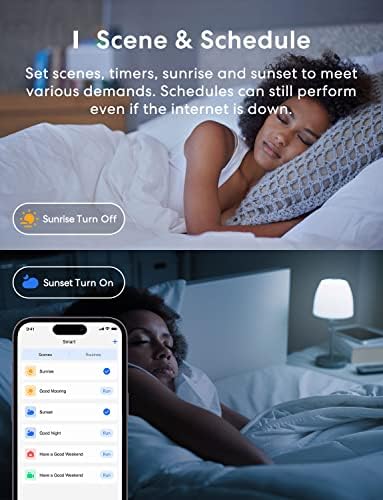
Pick one room — the bedroom or living room is ideal. Replace your existing bulbs with Meross color bulbs. In the Home app, create two scenes: “Relax” (warm 2700K at 40% brightness) and “Focus” (5000K at 100%). Then make an automation that triggers “Relax” at 8pm every evening.
That’s it. One afternoon of setup and you have a room that automatically shifts its mood at night without you touching your phone. If it works great, you’ll want more bulbs. If you find the occasional dropout annoying, you have an honest reference point for deciding whether Hue is worth the premium.
Ready to fix this?
The Meross Smart WiFi LED Bulb (Color) is the pick. One purchase, problem solved.
Check availability on Amazon →Frequently Asked Questions
Does the Meross color bulb need a hub? No hub required. It connects directly to your 2.4GHz Wi-Fi and pairs natively with HomeKit — just scan the code on the box in the Home app.
Is the HomeKit support real, or a workaround? It’s a real HomeKit accessory with a proper HomeKit pairing code on the box. It shows up as a native device in the Home app, not a third-party integration.
How does the color compare to Philips Hue? Good but not identical. The Meross covers all the major colors and tunable whites well enough for everyday use. Hue is more precise and saturated, especially at the extremes. For ambiance lighting the difference is minor; for critical color work the difference is noticeable.
What if it disconnects from HomeKit? The most reliable fix is assigning the bulb a reserved/static IP address in your router settings. After that, most users report stable connections. If it still drops, removing and re-pairing the bulb in HomeKit usually resolves it.
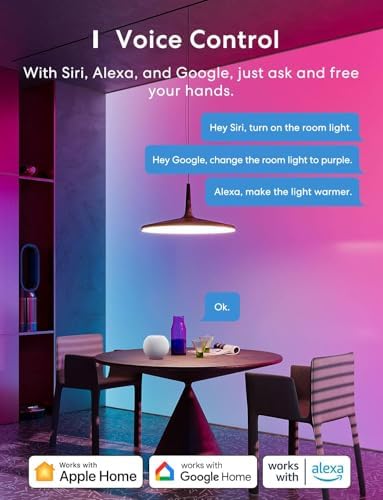
Will it work with Google Home and Alexa? Yes — it works with both, in addition to HomeKit. You can use it across platforms if your household has mixed devices.
Full disclosure: As an Amazon Associate, we earn from qualifying purchases. Our recommendations are based on research, review analysis, and real household use only where explicitly noted. Commission rates play no role in what gets recommended — if a simple hardware-store fix beats a branded option, we'll say so.